Live plant
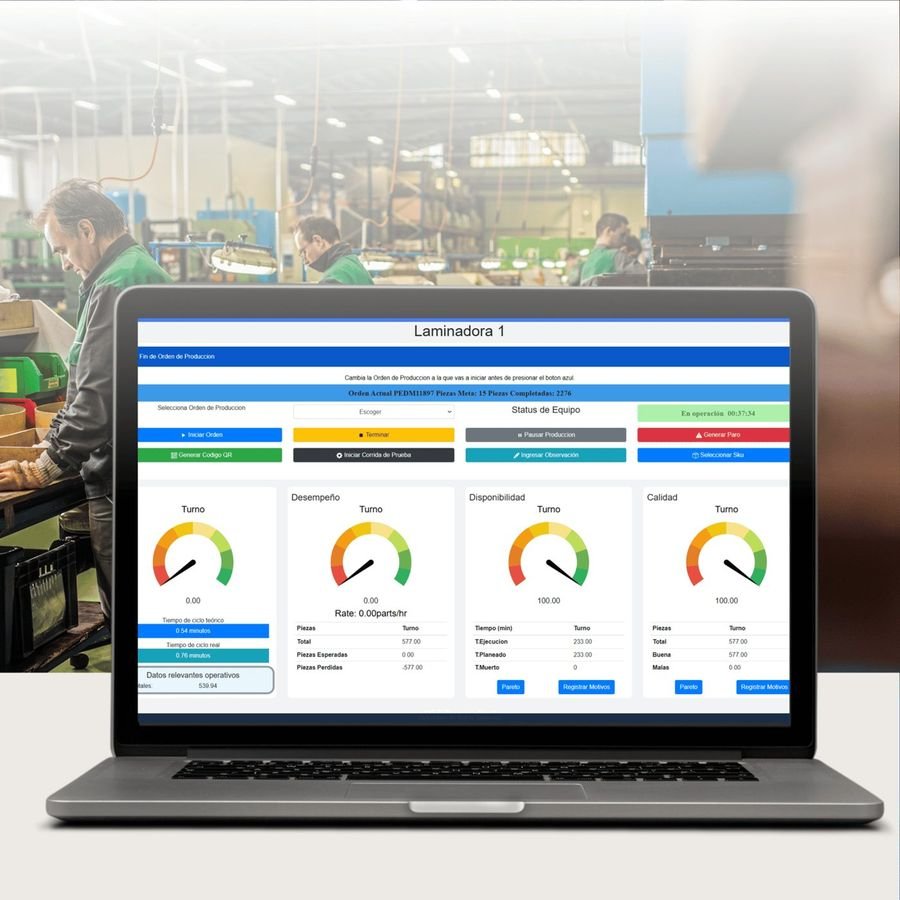
All your machines on the shop-floor TV: status, timer, pace against target and shift OEE.
KaizIA connects your machines in days, measures OEE without manual data entry, and tells you why production stops, shift by shift.
The KaizIA Connect collector reads the "running" signal from new machines or 30-year-old ones. No changes to their program.
Every stop is logged to the second. Operators pick the reason in two taps and you see the Pareto the same day.
OEE by machine, shift and order. AI shows you where to act first, so continuous improvement doesn't depend on a spreadsheet.
No need to change your machines or your network. We install, configure and train your team.
A KaizIA Connect collector in the electrical cabinet of each machine. It reads the "running" signal and sends it over WiFi.
We set up your machines, shifts, downtime reasons and users. Your data lives in the cloud or on a server inside your plant.
Screens on the shop floor, tablets for operators and reports for management. We review the first results with you.
It adapts to whatever screen you use: the plant TV, the office computer or the manager's phone.
All your machines on the shop-floor TV: status, timer, pace against target and shift OEE.
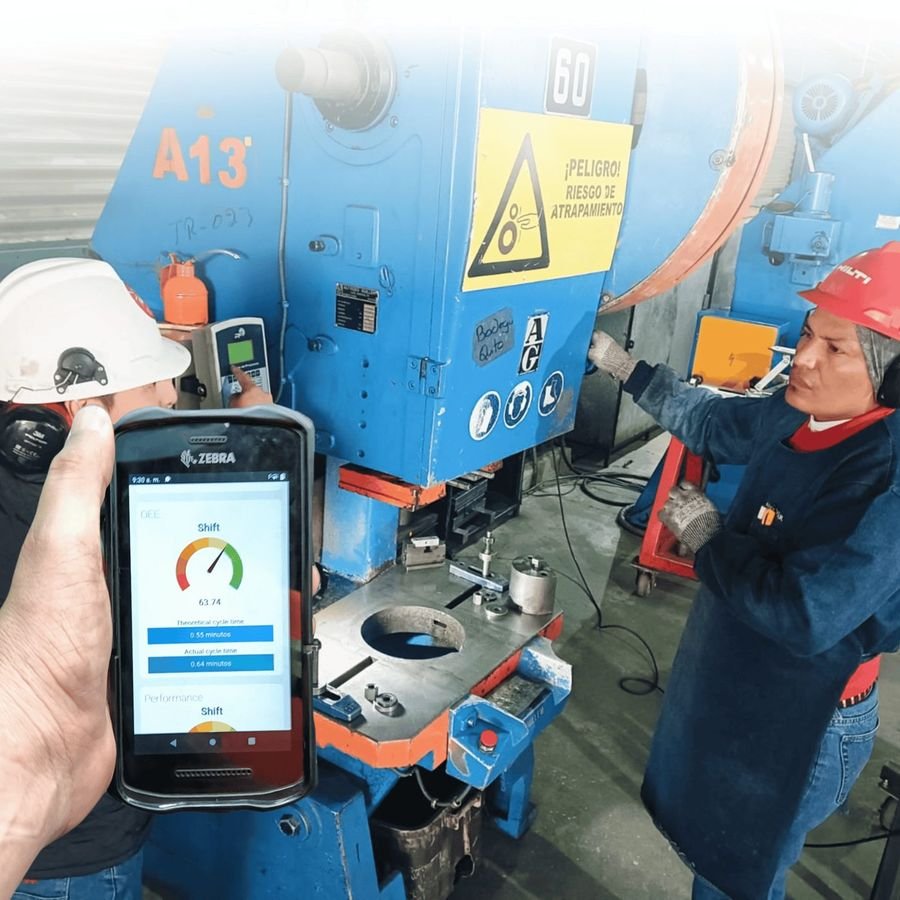
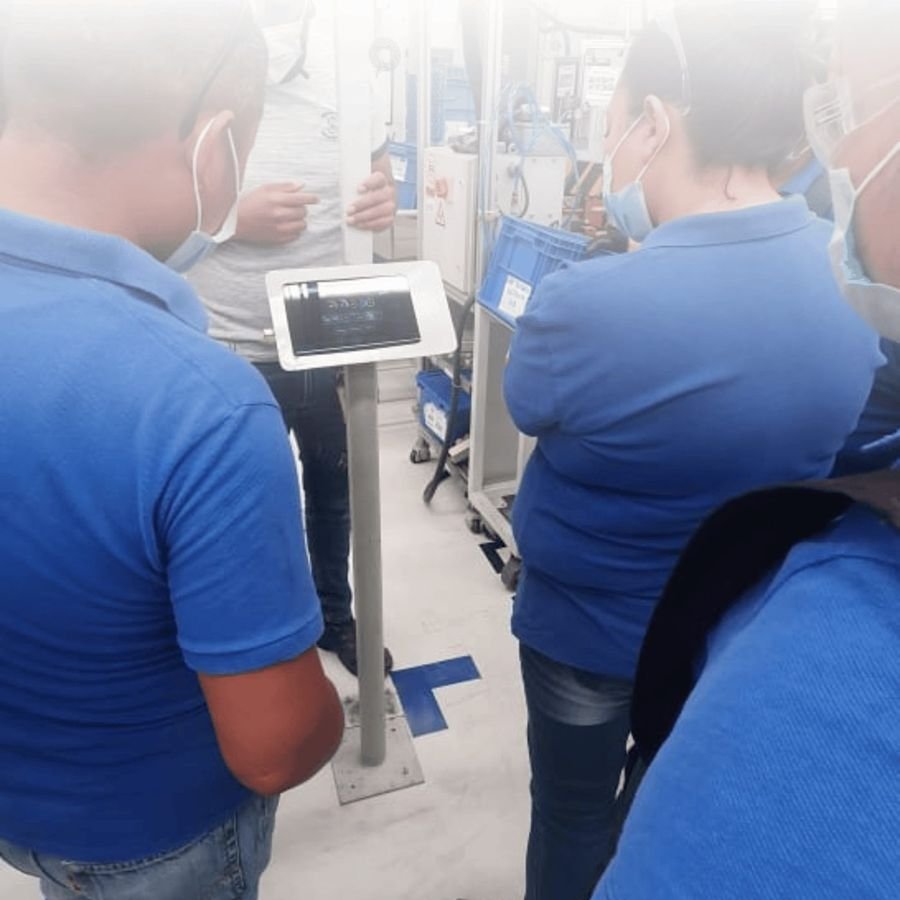
On a tablet next to the machine: current order, parts, stop reason and notes in two taps.
Assign orders to each machine and compare plan against actual: times, parts and on-time delivery.
Availability, performance and quality by machine, shift and order. Downtime Pareto and Excel export.
If a machine stays down longer than allowed, the supervisor gets an alert on their phone.
Ask why a machine's OEE dropped and it answers with your plant's data.
Beyond KaizIA, we build custom AI solutions for your company's operations.
KaizIA watches cycle time, micro-stops and tool life on every machine. When it sees one is about to stop, it alerts the right person on WhatsApp.
Plain-language answers about your operation: downtime, OEE, orders and trends.
Warns which orders will ship late based on each machine's actual pace.
Spots when a machine behaves differently than usual, before it becomes a problem.
AI agents for quotes, order tracking and management reports.
Enter your plant's data. The calculator estimates the productive hours you recover each year and what they're worth.
Estimate: planned hours × OEE points gained × cost per hour. With your quote we also calculate the payback time.
You pay for the machines you monitor, not for how many people use it. Includes training, support and updates. Prices in US dollars, plus taxes.
To start seeing what happens on the shop floor.
To measure full OEE and improve every shift.
Adds to any plan, for plants that want to stay ahead.
One-time per machine: KaizIA Connect collector $180 USD + installation and commissioning $230 USD. 1- or 3-year contracts.
Yes. We take the "running" signal from the machine's contactor or stack light, so it works the same on a new CNC as on a 30-year-old press.
It depends on the number of machines and access to the electrical cabinets. We give you the exact schedule after the site visit.
For the cloud version, yes. If the network goes down, the collector stores the data and sends it when it comes back. We can also install it on a server inside your plant.
In the cloud with daily backups, or on your own server if you prefer. The data is yours and you can download it anytime.
Machine status arrives on its own. Operators only pick the reason when there's a stop and, if orders are used, enter the part count at the end.
A monthly fee per monitored machine, with unlimited users. The collector ($180 USD) and installation ($230 USD) are paid once per machine.
In 30 minutes we show you what your plant would look like and what you need to connect it. No commitment.